Since the iPhone Duo announcement, I’ve been wondering how to support iPhone Duo with my app.
I already shipped a small update using the iOS 27.1 SDK to make sure the app fills the screen properly on iPhone Duo. But that was just the first step.
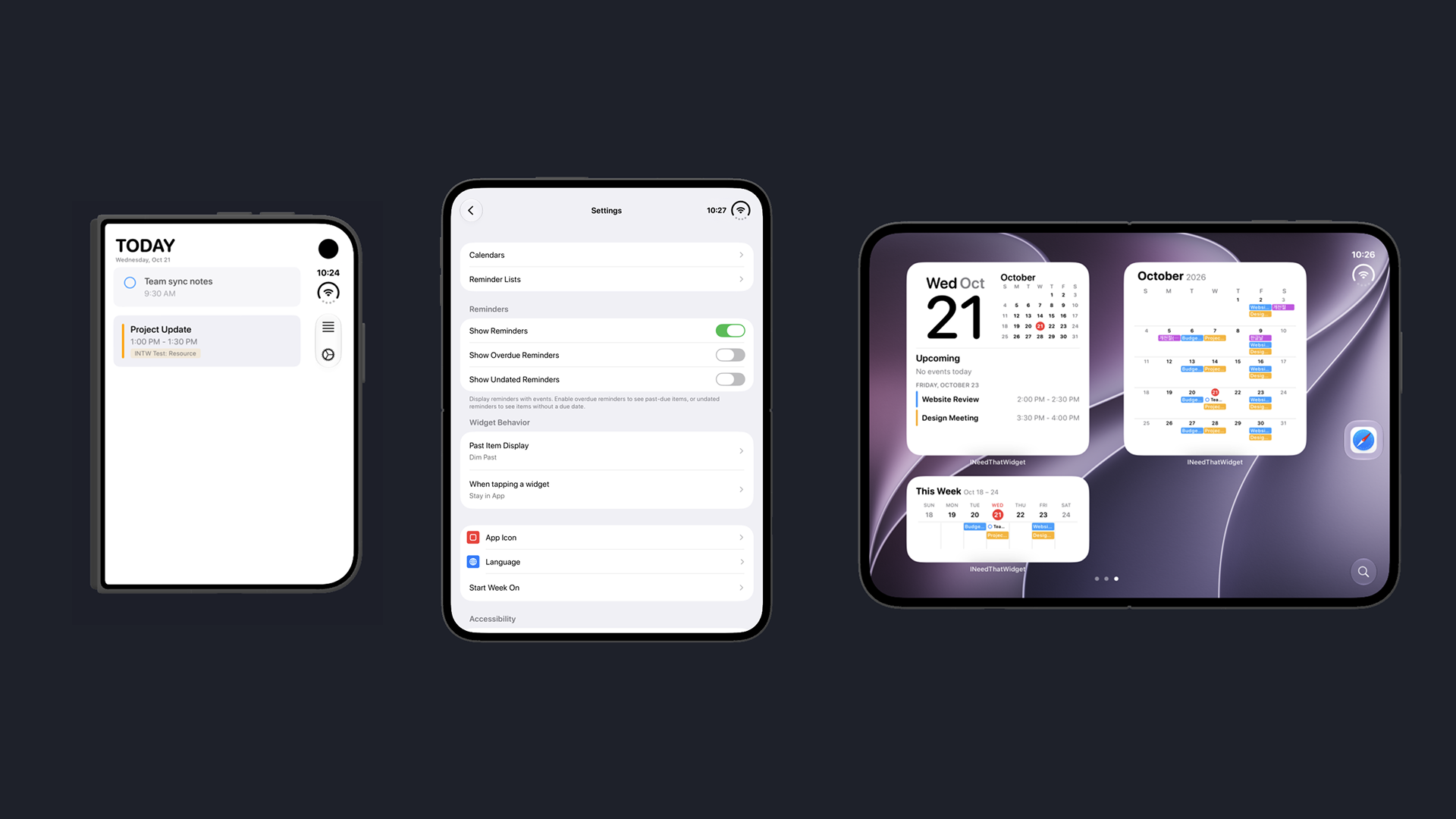
My app focuses on widgets, and I didn’t want to turn it into another calendar app. Simply showing what’s already available in the Calendar app didn’t feel right.
iPhone Duo has a lot of layouts, so the first thing I checked was landscape mode in the app. The app was focused only on portrait mode and showed only today’s events. Maybe I could make it show the week and let users select a date to see that day’s events. But I wasn’t sure.
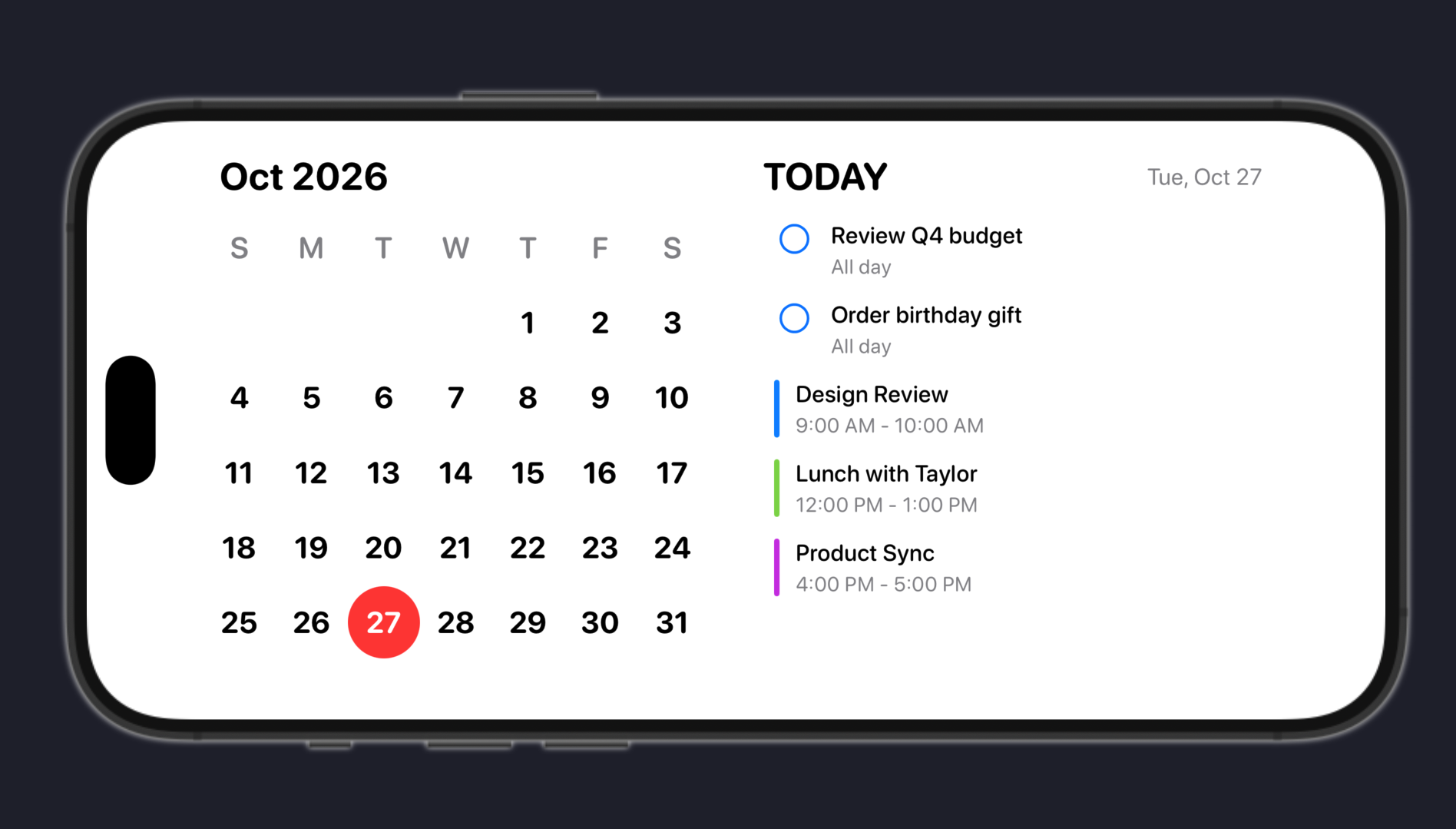
After some brainstorming, I shifted my attention to “Standby.” In Standby, two small widgets are shown. Yes, let’s try this.
The calendar view is on the left, and today’s events are on the right, just like in my app’s portrait view. It looked familiar to me, too, focusing on today’s events and the current date at a glance.
What started as an experiment for iPhone Duo is turning into something bigger.
More soon.